Genjutsu video editing guides
Practical starting points for your source clip, reference images and instructions.
Genjutsu Studio is an independent service using Higgsfield Genjutsu. It is not the official Higgsfield site; accounts, credits and available controls are separate.
Guides
MAGI-2 · Generate a 1080p video from a written scene.
Make a specific edit
Ceiling fan outfit transition
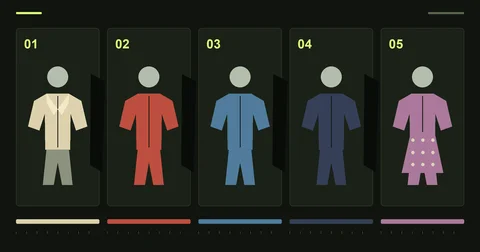
Plan five outfits, prepare a source clip and hide each change behind a fan wipe. Includes a prompt, credit examples and timing fixes.
What do you want to change?
These are generative video workflows. They produce a new video, rather than a separate face, clothing or background layer that you can edit independently.
Transfer motion
Give your character a performance. Use a source clip for movement and reference images for who appears on screen.
Replace a character
Recast a scene without reshooting it. Upload the clip and a clear image of the character you want to bring in.
Restyle a video
Turn live action into anime, felt, low-poly or another available style. Keep the source clip as your motion guide.
Need a precise local change?
- Only the face
- There is no face-only mode. Character replacement can change the body, clothing and surroundings too. For an exact face-only edit, use a tool with face tracking and a controlled mask.
- Only the clothes
- There is no clothing-only mode or garment mask. A dressed character reference can guide appearance, but does not lock the original face, body or camera. Use a masked edit when identity must stay unchanged.
- Only the background
- There is no background-replacement mode or separate background image slot. Restyle changes the whole shot’s look. For a chosen location behind an unchanged person, use tracked masks or compositing and check hair, overlaps, shadows and moving edges.