Bring a clear clip
Choose 4–30 seconds with visible movement. A short, well-lit shot is easier to direct than a busy montage.
Put a new character in your clip, borrow a performance, or redraw the entire scene. Create with Higgsfield Genjutsu in one focused video workspace.
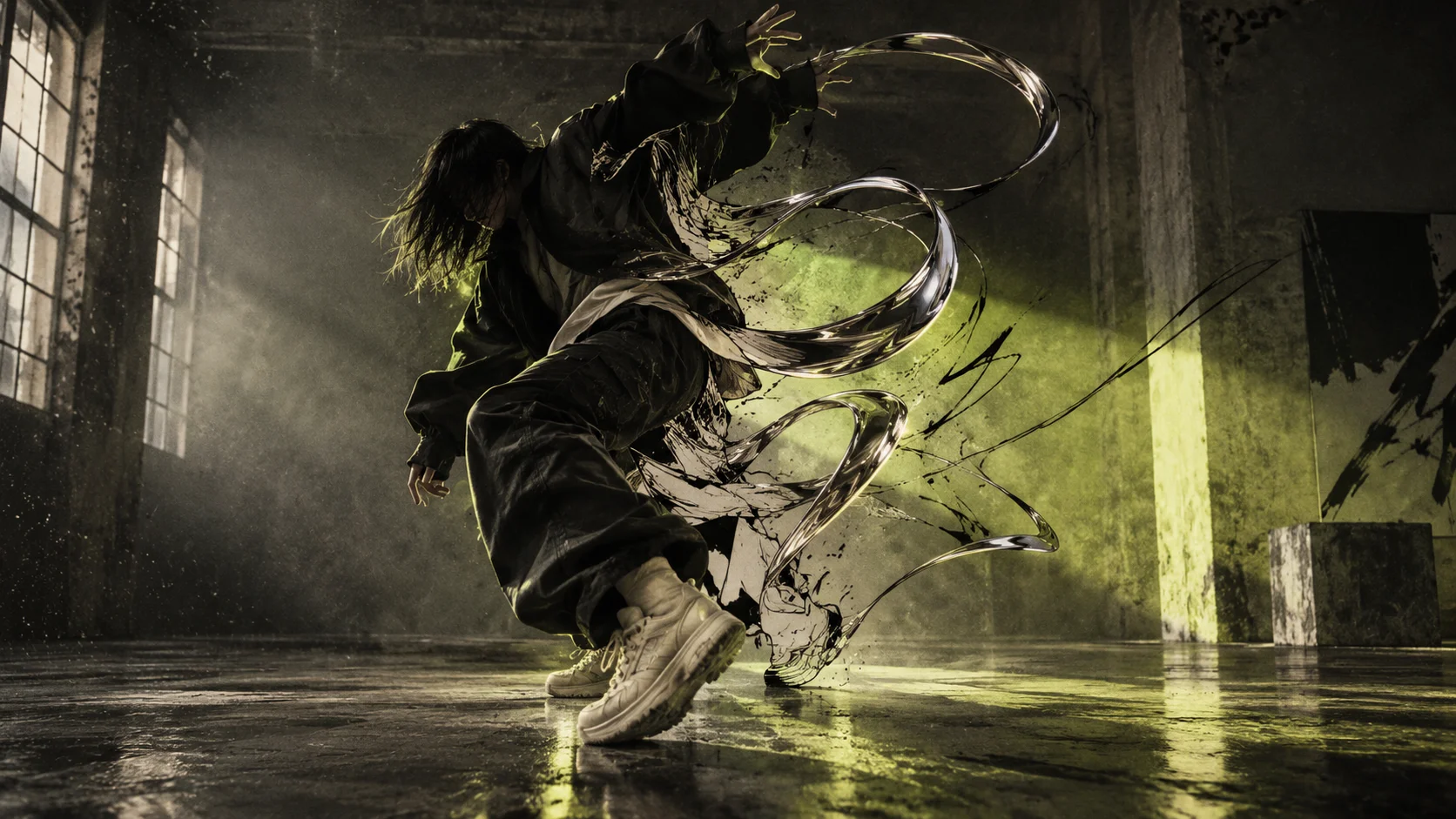
Make your first edit4–30 second clips · Up to 1080p · Pay with creditsOriginal concept artwork — not a generated video example
THREE WAYS TO REIMAGINE A TAKE
Give your character a performance. Use a source clip for movement and reference images for who appears on screen.
Try this workflowRecast a scene without reshooting it. Upload the clip and a clear image of the character you want to bring in.
Try this workflowTurn live action into anime, felt, low-poly or another available style. Keep the source clip as your motion guide.
Try this workflowChoose 4–30 seconds with visible movement. A short, well-lit shot is easier to direct than a busy montage.
Add reference images or pick a style. Name the subject and the details that matter in your instructions.
See the credit cost before you commit. Your task stays in your library, so you can return when it is ready.
No. Genjutsu Studio is an independent service using the Higgsfield Genjutsu API. Your credits here are separate from a Higgsfield subscription or API balance.
You can explore the workflows and style catalog before signing in. Video generation requires purchased credits. There are no free generation credits.
No. This is generative editing: faces, hands, timing and backgrounds may change. Start with a short clip and review the result before using it in a finished project.
A confirmed generation failure returns the credits to your balance. A queued or delayed task remains active; it is not automatically marked failed. A completed result uses credits even if you decide not to use it.
Use your own or properly licensed media, with permission from the people shown. Upload a 4–30 second MP4, MOV or WebM under 80 MB. References can be JPG, PNG or WebP under 10 MB each.